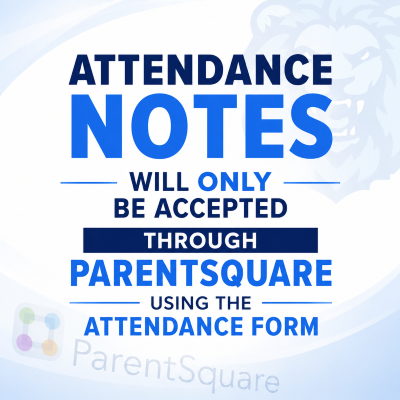
Any student who has been absent from school shall provide a note from a parent or guardian within forty-eight (48) hours of returning to school stating the cause of the absence. If the student missed school due to an appointment, a note from the provider must be turned in within forty-eight (48) hours of returning to school. Failure to provide a note will result in an automaticunexcused absence. Notes will only be accepted through ParentSquare using the Attendance Form.
However, the fact that the student provides a note does not require the school administration to excuse the absence. The principal or designee will decide whether the absence meets the criteria for an excused absence, and that decision will be final.
After fifteen (15) days of absence, whether excused or unexcused, a student must present verification from a licensed doctor for all subsequent absences due to illness.
An online transportation portal designed to give parents easy access to their students’ bus information. Parents can access BusPlanner through its web portal at https://sjcsd.mybusplanner.com or by downloading the companion mobile app, Chipmunk, available for Android and Apple devices.
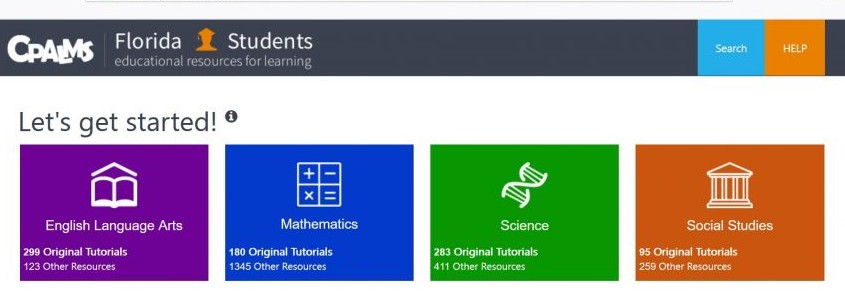
FloridaStudents.org is a great source for our Florida Standards. Here you will find student tutorials and resources located from all over the web to support your student’s learning in language arts, mathematics, science, and civics. New resources and features have been added and the number of resources and tutorials is impressive.
Home Access Center (eSchool Plus+) allows parents to view their child’s educational information via a secure, password protected website. eSchool contains vital class information to help students including dates and details of upcoming assignments, projects and test dates. eSchool allows teachers to post files like worksheets, PowerPoints or text files containing important class information. Students will find the information just as important as parents.
ParentSquare is a unified communication platform that streamlines how we share important information with you. With this all-in-one tool, you’ll receive updates from the district, your child’s school, and teachers — all in one convenient place. Upon enrollment, you will be sent a link to activate your account and set up a password. Please download the app.
St. Johns County School District believes that all students and employees be afforded a setting that is safe, secure, and free from bullying and harassment of any kind. In compliance with Florida Statute 1006.147 and School Board Rule 3.21, the school district has adopted a comprehensive policy prohibiting bullying and harassment.
As part of the continuous efforts to ensure the safety and security of students and staff, approved access to the school premises is mandatory for anyone who is not a St. Johns County School District staff member. Kindly use the provided link to undergo the background check process to obtain School Access/Volunteer clearance.
Kindly refrain from submitting a new application unless there have been changes to your information (such as address, phone number, email, etc.). The School Access approval is valid for three years and is applicable at any school within the District.
Schoology is an online tool that manages curriculum, assignments, grading and other classroom management tasks. It also serves as a communication platform between educators and students. All active SJCSD students automatically have a Schoology account. Students can login using their school ID number and password provided. They should login from the Links for Students web page from the Landrum School website. Parents also have access to this information and must have their students access code to link their account. They should check in HAC on the Registration tab for this information.
We are excited to provide free year-round online resource for your middle schooler. You child will see a link in Clever for Varsity Tutors where they can take advantage of learning resources at no cost!